
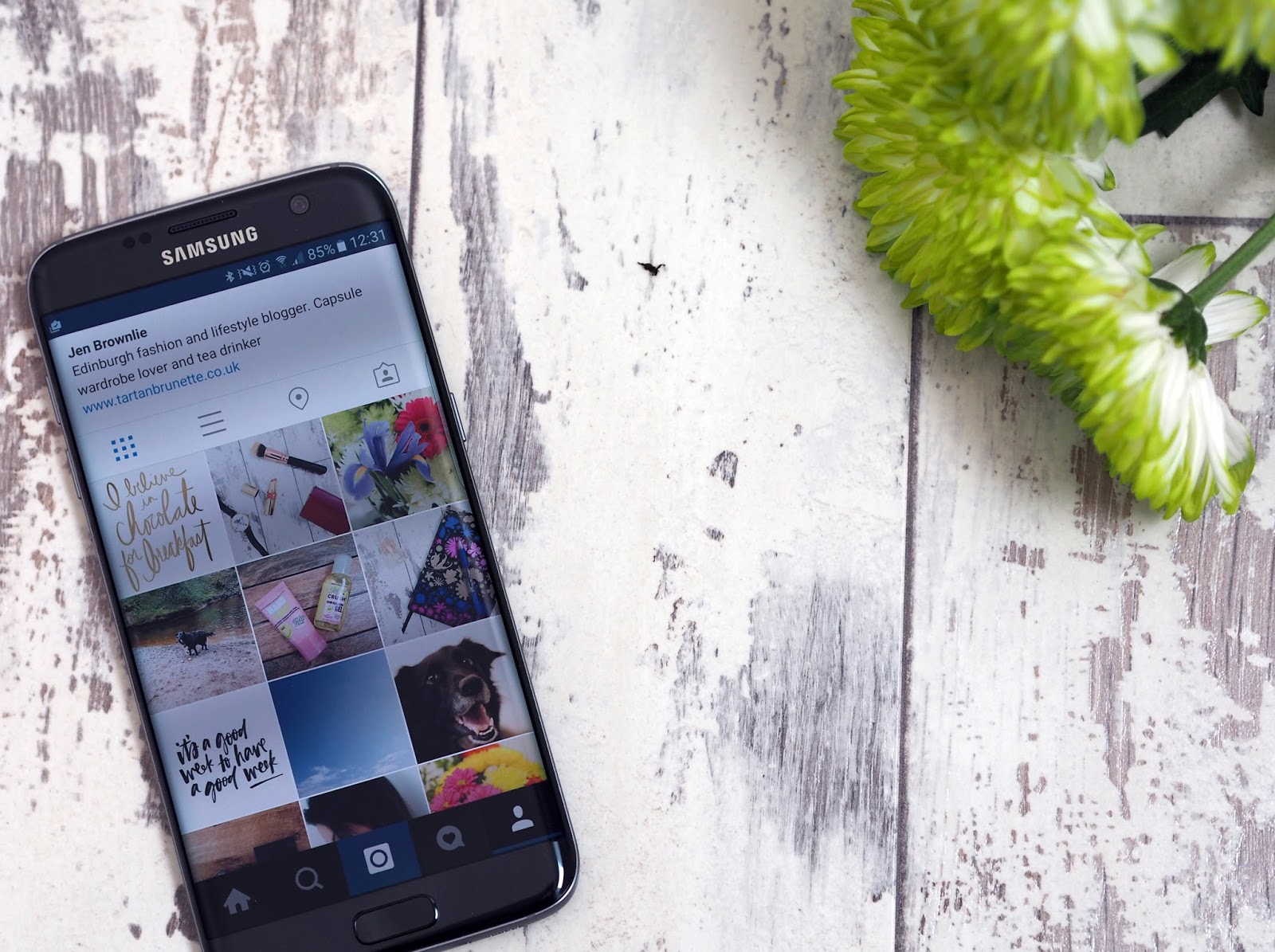
Instagram has to be one of my favourite social networks, I just love the visual nature of it (and the little glimpses into everyone’s life). When I started out with Instagram I used to just post pictures there and then with very little editing, but now I spend a few minutes editing my images before posting. I have quite a clean Instagram feed and like think about what I’m going to post each day, keeping all my images bright and using the same filter on everyone. Make sure you are following me (link) and remember to engage (like & comment) so you keep seeing my images.

Once the pictures are on my phone, I’ll sit down to edit them. For most images I use Afterlight and VSCO, sometimes I’ll also use Facetune (if I need to whiten the background or smooth out selfies). I always start with Afterlight as I prefer this app for the actual editing of photos. I don’t really have a set procedure for this and just do what I think the image needs (normally just brightening it up a little). If I feel anything needs a bit of whitening or smoothing I’ll do this in Facetune (you need to watch as this can make selfies look too edited). I’ll then save to the phone and open up VSCO, using VSCO I add the HB1 filter and save it to my Instagram folder on my phone. I use this folder to keep all my Instagram images which are ready to upload.
I aim to upload to Instagram at least once a day, normally around 8am as I find this time works well for engagement. If I don’t manage to upload early, I’ll upload around 6pm as this also seems to be a good time. I’ve set up an ITTT code to share my Instagram images on Twitter (with the image rather than a link) and I’ll share a couple on Facebook (depending on the image) myself. I don’t do anything else to the image on Instagram just add a caption (which is easier said than done). I will only add a hashtag to the caption if it fits in with it or the image is relating to an event. I may also tag the brands into my images (sometimes brands will share your image on their page). Once the image is uploaded I then add a comment with all the relevant hashtags plus a few I also use. I tend to use the #edinburghbloggers #flashesofdelight #livethelittlethings #thatsdarling #thehappynow #persuepretty and #abmlifeisbeautiful on most of my images (these hashtags are great for engagement)
After that I will leave it alone, responding to comments which are asking questions. When you use common hashtags you get a lot of comments which are obviously from a bot and don’t need a response. Once I’ve uploaded I will go through my feed, liking images and will also like a few images from the hashtags I’ve used. I also come and go throughout the day liking a couple of images every time.For those of you that are interested my phone is, the Samsung S7 Edge which is an android but all the apps mentioned are available on both android and iPhone.